Air by name.
Power by nature.
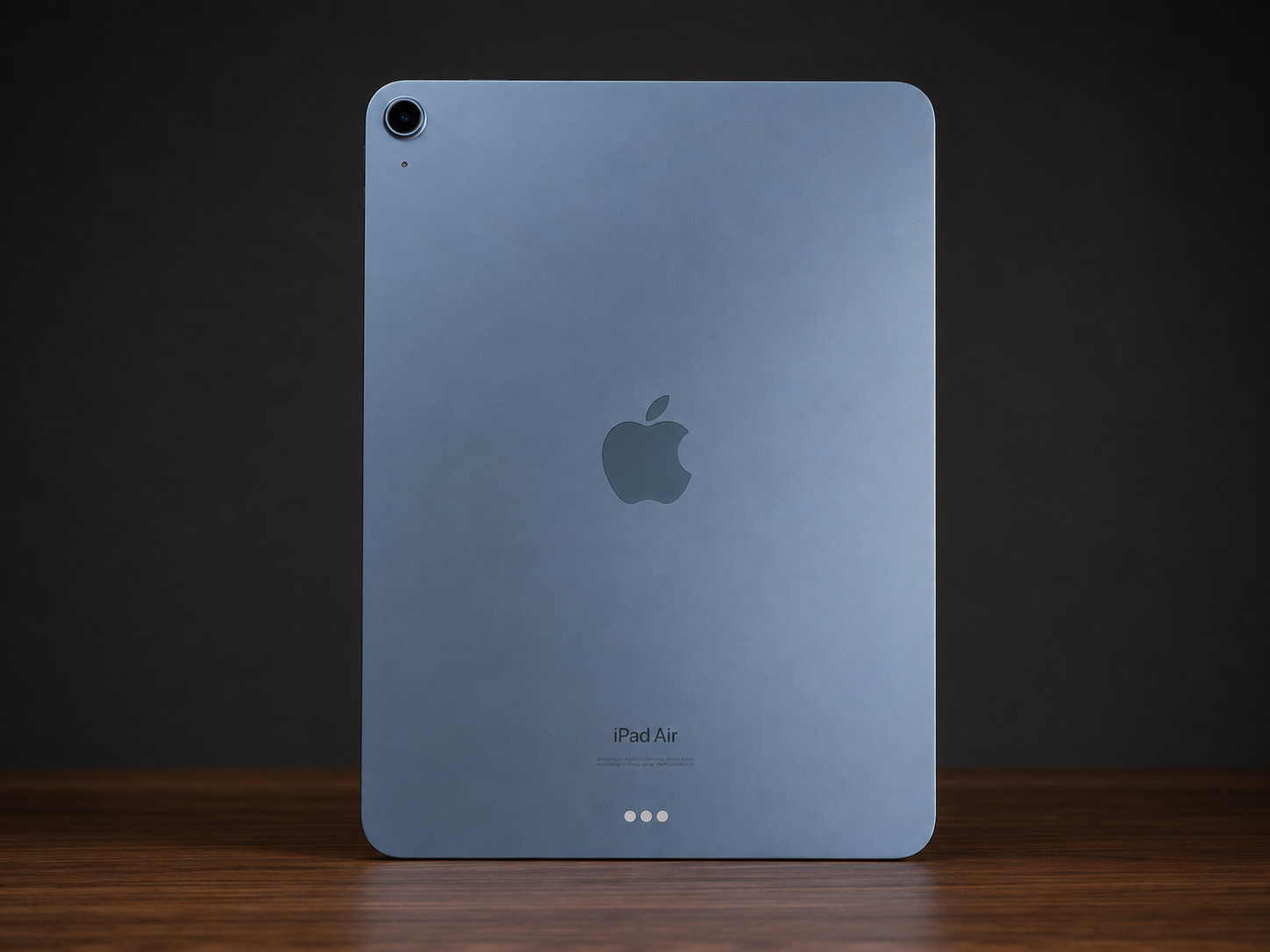
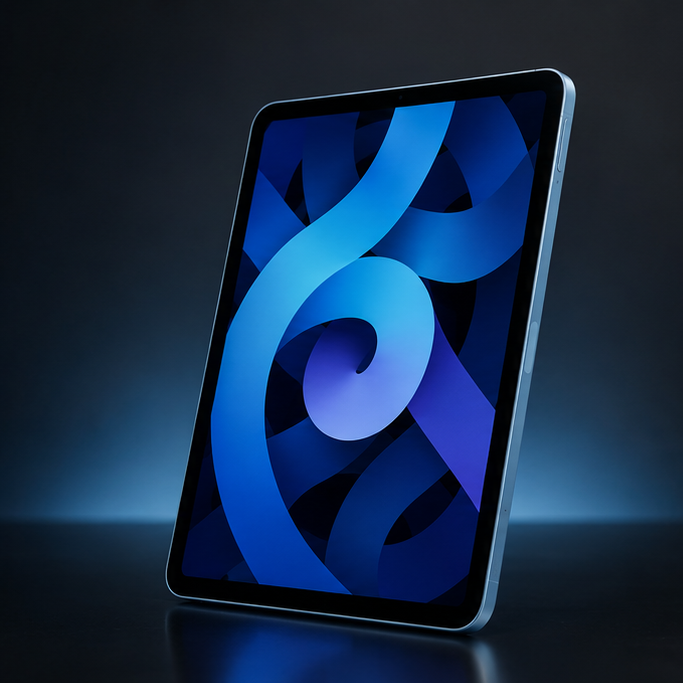
I have genuinely enjoyed living with the iPad Air 5th generation. Even years after it arrived, its combination of a very light body, a remarkably thin design and the powerful M1 chip still feels special. It has never seemed like a tablet that was only good when it was new.
Apple introduced this model in March 2022, so the most accurate description is about four years of ownership rather than six. That is still a serious long-term test. In that time, I have used it for gaming, drawing, chatting, watching films and shows, travelling and ordinary everyday tasks—and it has handled almost all of them with confidence.
The performance is what surprises me most. I keep around four very large mobile games installed, yet the iPad continues to run smoothly. Long loading screens and constant glitches have not become part of the experience. I have rarely noticed it struggle while I am playing, which shows how much life the M1 chip still has left.
It does not feel powerful for an old iPad. It simply still feels powerful.
The M1 combines an eight-core CPU, eight-core GPU and 8GB of memory. Those numbers matter because they explain why demanding games, drawing apps, messaging and multitasking can coexist without the tablet immediately feeling overwhelmed. It also means the Air has more in common with Apple’s M-series computers than many people might expect from such a thin device.
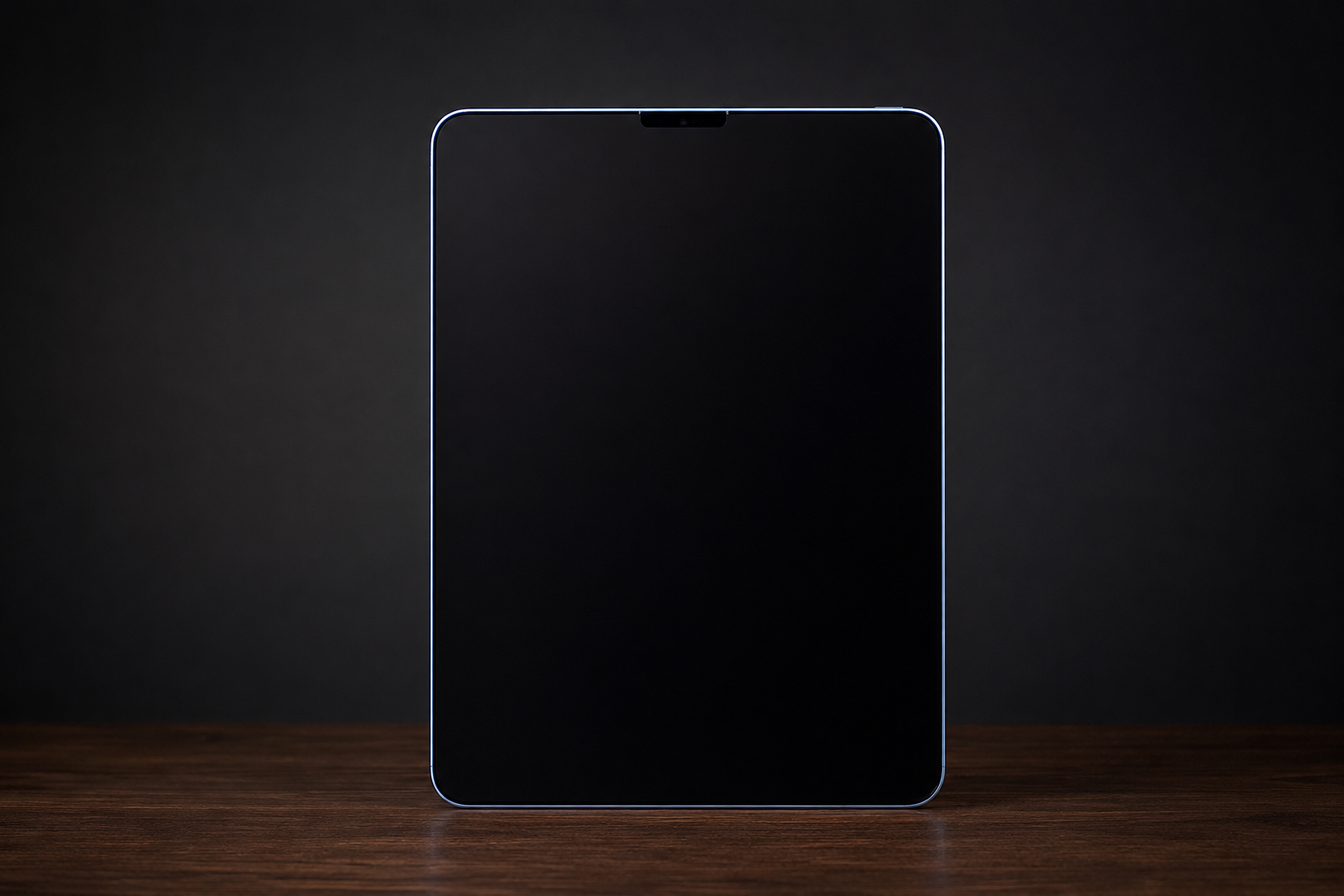
The 10.9-inch Liquid Retina display is another reason it remains pleasant to use. It is fully laminated, supports the wide P3 colour gamut and includes an anti-reflective coating. When drawing with an Apple Pencil, the image therefore feels closer to the glass. When watching a film, colours look rich without making the device too large to hold.
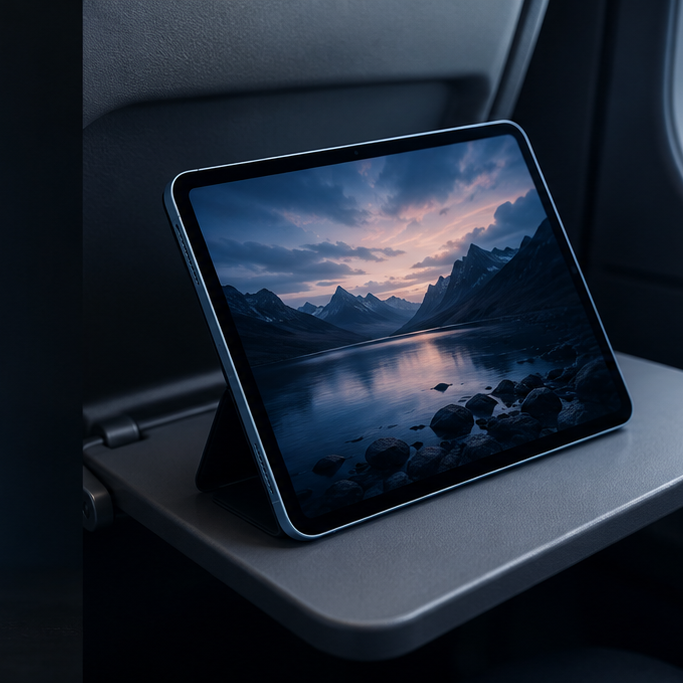
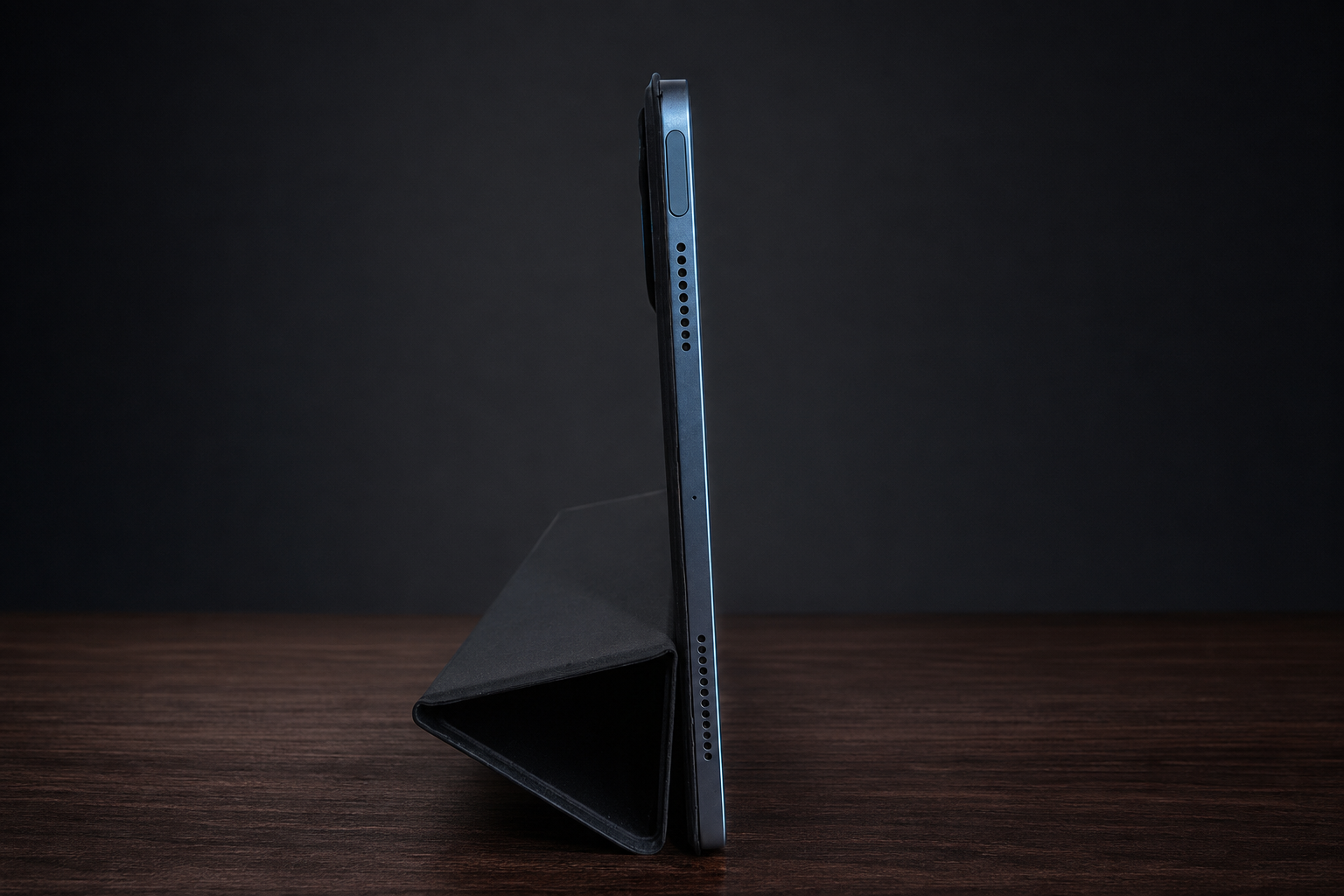
Travel is where the word “Air” makes the most sense. I often take it onto an aeroplane with downloaded Prime Video shows such as Clarkson’s Farm. The point is not only that it plays downloaded entertainment—the real advantage is how easily it fits into an environment where every centimetre matters. Aeroplane tray tables are small, seat pockets are tight and cabin bags fill quickly. At only 6.1mm thick and about 461g for the Wi-Fi model, this iPad gives me a useful screen without demanding laptop-sized space.
My 256GB model also gives me peace of mind. Large games, downloaded episodes, drawings and normal apps can stay together without turning storage management into a daily job. The standard 64GB version would require much more attention, but 256GB has been comfortable enough that I do not constantly decide what to delete.
It is also flexible. For one person it can be a drawing canvas; for another it can be a portable cinema, a study screen or a gaming machine. The second-generation Apple Pencil attaches and charges magnetically, while the USB-C port can connect storage and displays. That range is why the iPad has continued to earn its place instead of becoming unused technology.
There is now one important problem with my particular unit: charging has become unreliable and it will often stop at around 15 percent, even after trying two chargers. That does not mean every iPad Air 5 develops the same fault, but it is the biggest weakness in my own long-term experience. A tablet can still have enough processing power yet become difficult to use because its battery or charging system is ageing.
Before replacing it, I would have Apple or an authorised repairer diagnose the battery and USB-C charging system. If repair is economical, keeping an already powerful device working is better value—and creates less e-waste—than replacing it only because a newer model exists. If it cannot be repaired affordably, trade-in or proper electronics recycling is the responsible ending.
The Cave score is 9.0. Its thin design, excellent display, 256GB comfort and lasting M1 performance make it one of my favourite long-term devices. The current charging fault prevents a higher score, but it does not erase how capable this iPad has been for gaming, creativity, communication and travel.