
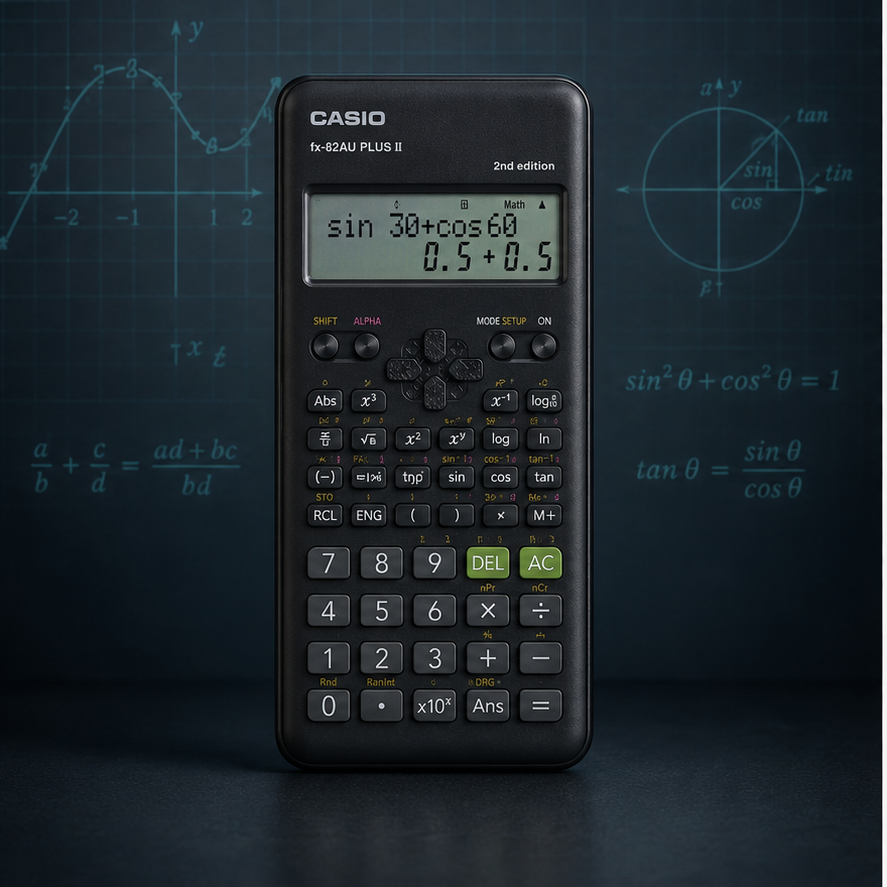
Nothing flashy.
Nothing missing.
After using the CASIO fx-82AU PLUS II in a real maths class, my first impression is simple: it has practically everything a middle-school student needs without trying to become something more complicated.
The controls were easier to understand than I expected. Scientific calculators can look intimidating because every key seems to have two or three jobs, but the layout starts making sense once you use it. The important number and operation keys are easy to recognise, while SHIFT and ALPHA provide access to the smaller secondary functions when they are needed.
The keys are also surprisingly satisfying to press. They have a clear physical response, so entering a calculation feels deliberate instead of soft or uncertain. That may sound like a tiny detail, but a calculator is something students can use repeatedly throughout a lesson. A good key press makes normal work feel more comfortable.
It is not exciting technology—and that is exactly why it works so well in class.
The Natural Textbook Display is one of its most useful features. Fractions, powers, roots and other expressions appear in a layout that resembles the way they are printed in a textbook. This makes it easier to compare the screen with the question and notice when something has been entered incorrectly.
For normal secondary-school mathematics, the function list is extensive. It handles fractions, surds, trigonometry, coordinate conversion, combinations and permutations. It can calculate prime factors, greatest common divisors and lowest common multiples, and it includes equality and inequality verification. Statistics tools cover list-based data, medians, quartiles and several forms of regression.
The dual-line display helps because the expression and result can be checked together, while Multi-replay allows earlier calculations to be revisited and edited. These features are not spectacular, but they reduce the frustration of typing an entire problem again because of one small mistake.
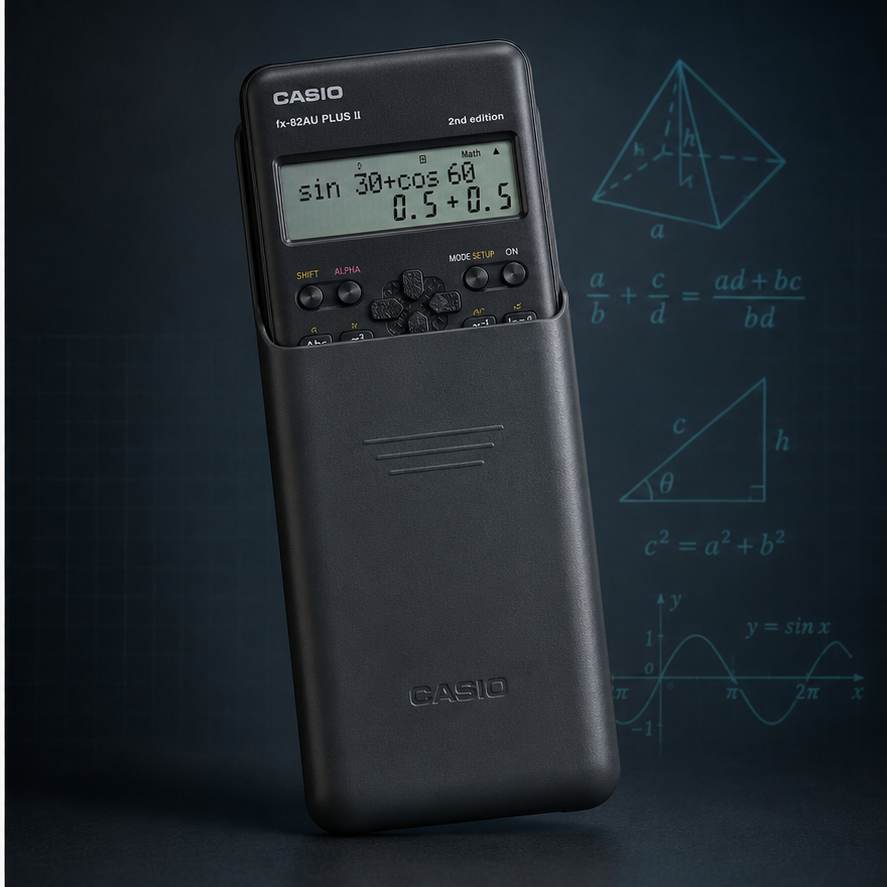
The design is exactly what most people imagine when they hear “school calculator”: a black plastic body, a clear screen, many labelled keys and a hard slide-on cover. It does not look futuristic, but it feels practical and durable enough to live in a school bag.
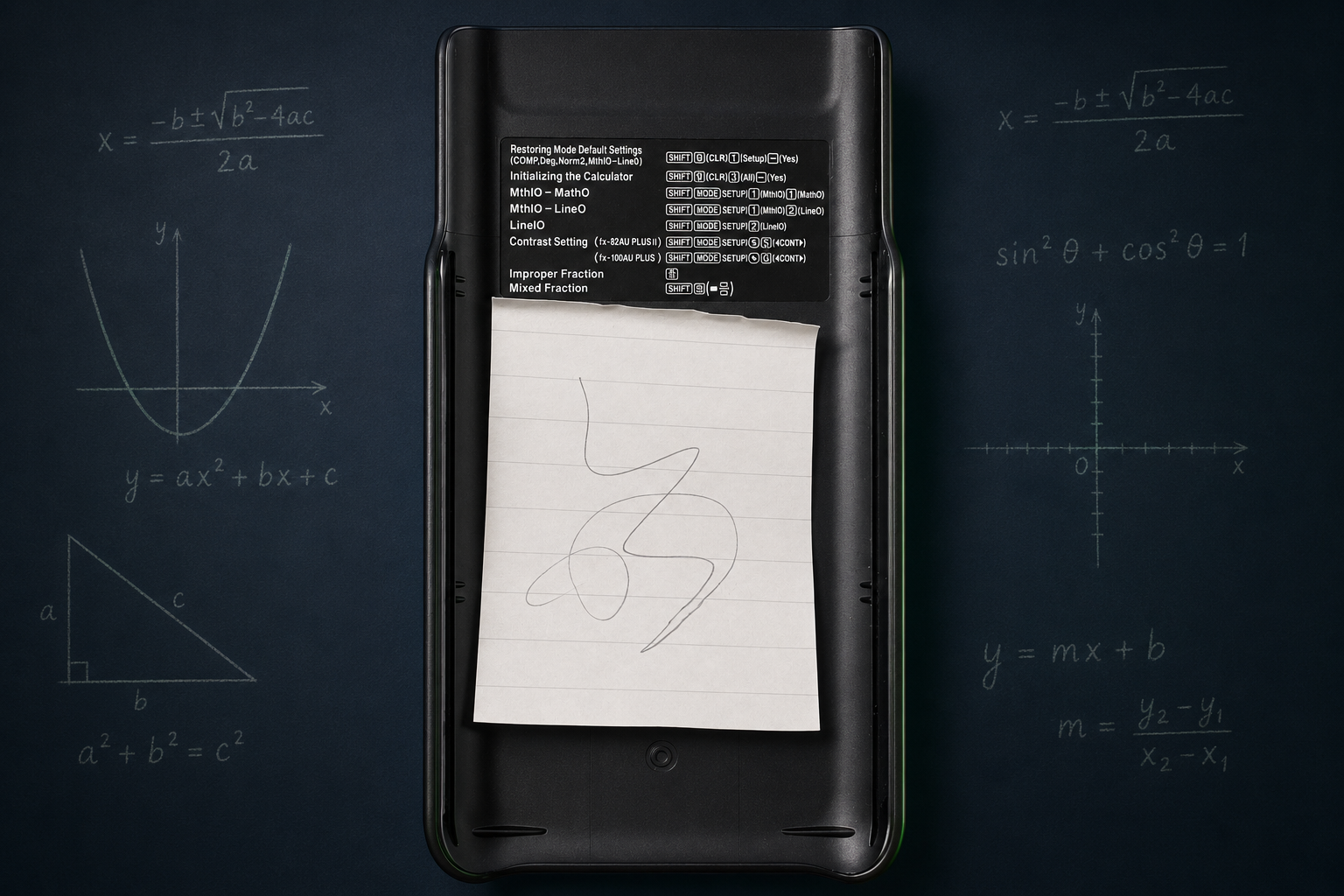
My sister showed me that someone could hide written notes inside the protective case. At first, that seemed like an amusing secret feature—but it is not a feature students should actually use. Taking unauthorised notes into a test is cheating and could lead to a cancelled result or school consequences. The case should protect the calculator, not hide answers.
That discovery also explains why students should always check their calculator and case before an assessment. Remove any old paper, writing or stickers and follow the teacher’s calculator rules. A joke outside class is not worth creating a serious problem inside a test.
There is nothing revolutionary here. It does not draw graphs, install apps or connect to the internet. For younger secondary students, those limitations can actually be advantages: there are fewer distractions, the battery lasts a long time and the calculator focuses on the mathematical functions students are expected to learn.
The Cave score is 7.5. The CASIO fx-82AU PLUS II feels ordinary because a dependable school calculator should disappear into the lesson and let the maths remain important. It is easy to learn, satisfying to use and equipped with the functions a middle-school student is likely to need.
COMMENTS / 0
Be honest. Be specific. Never attack the person.